
Dotfiles
-My System Dotfiles-
#TODO: gallery component
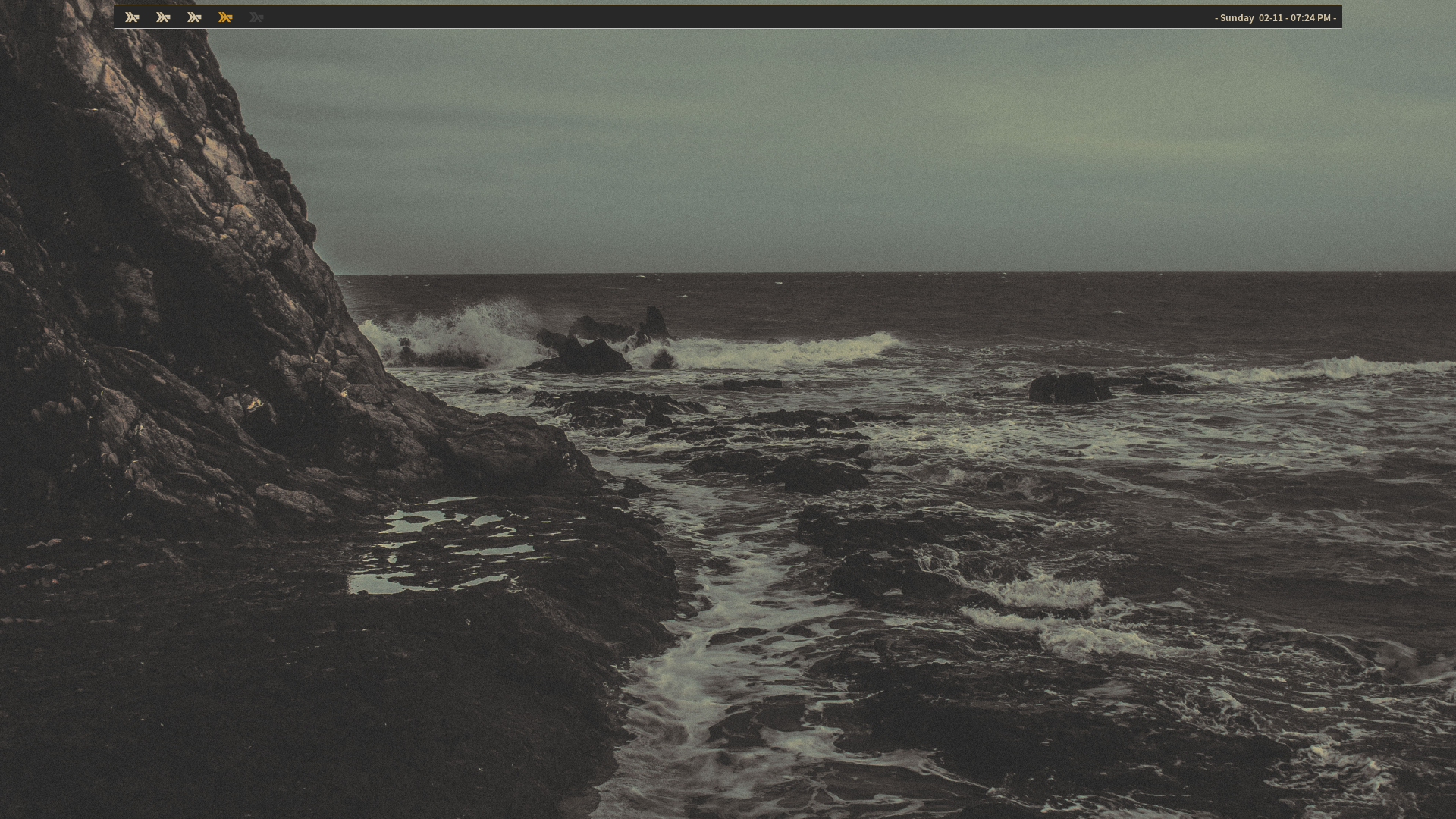
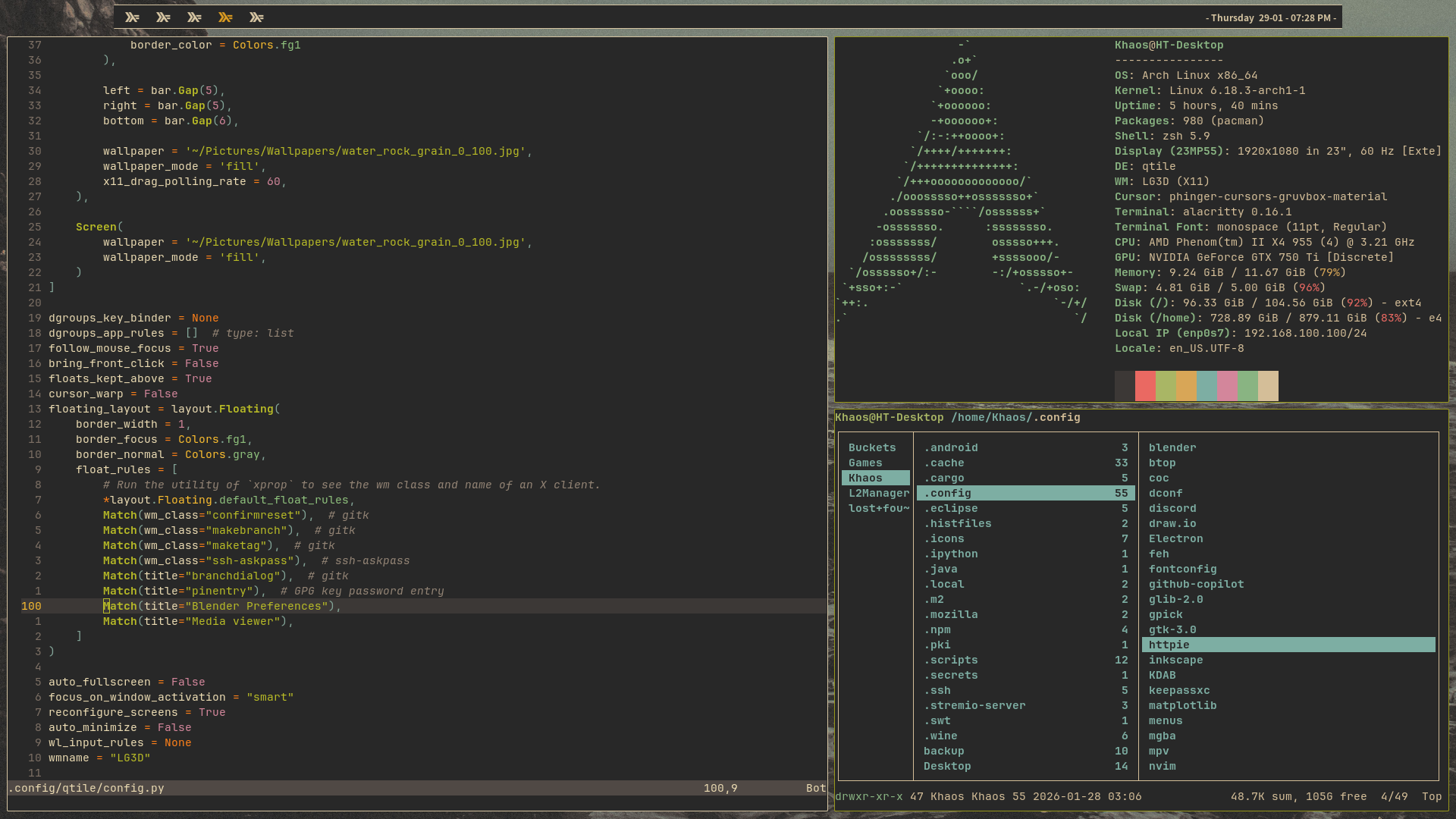
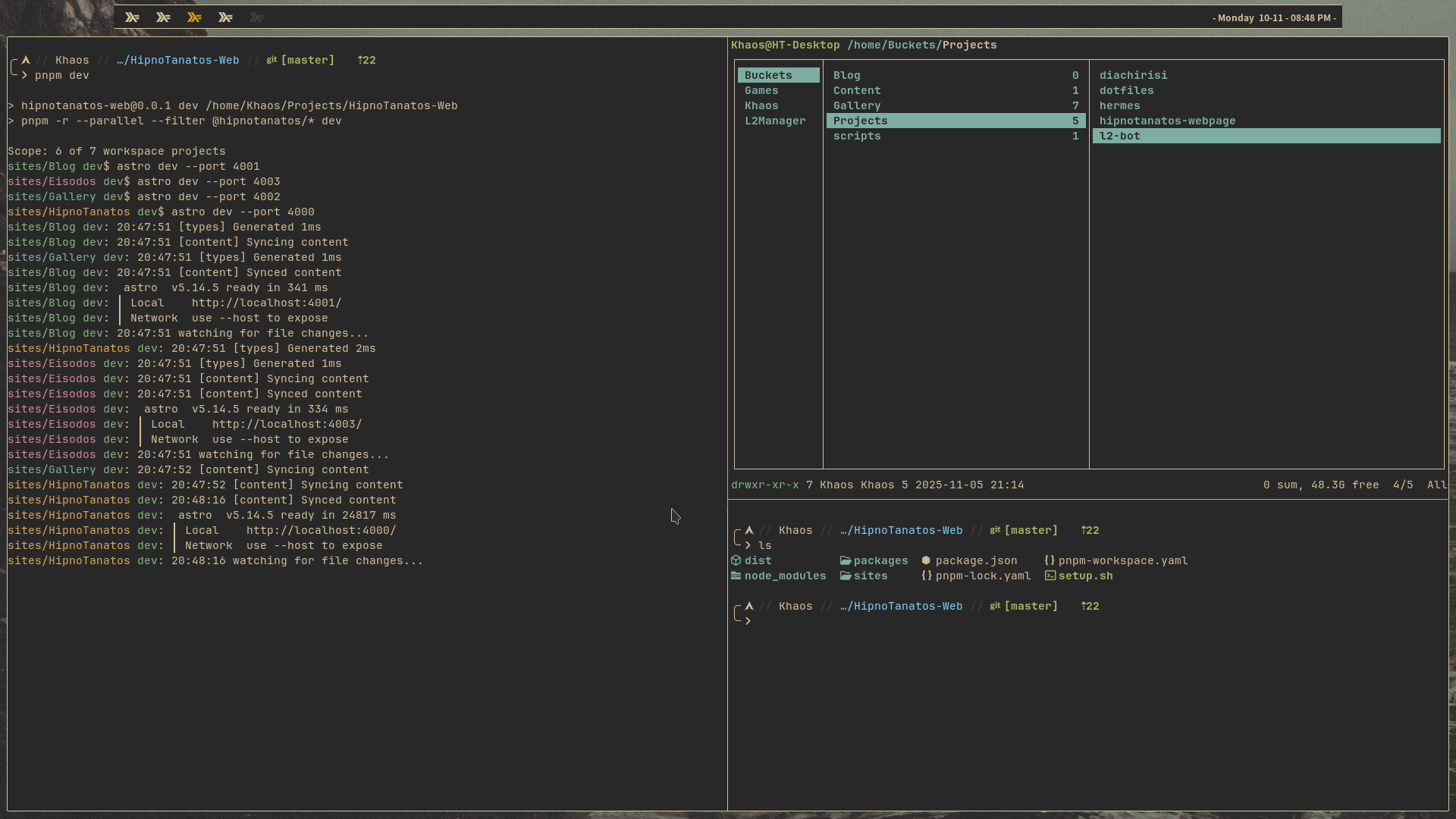
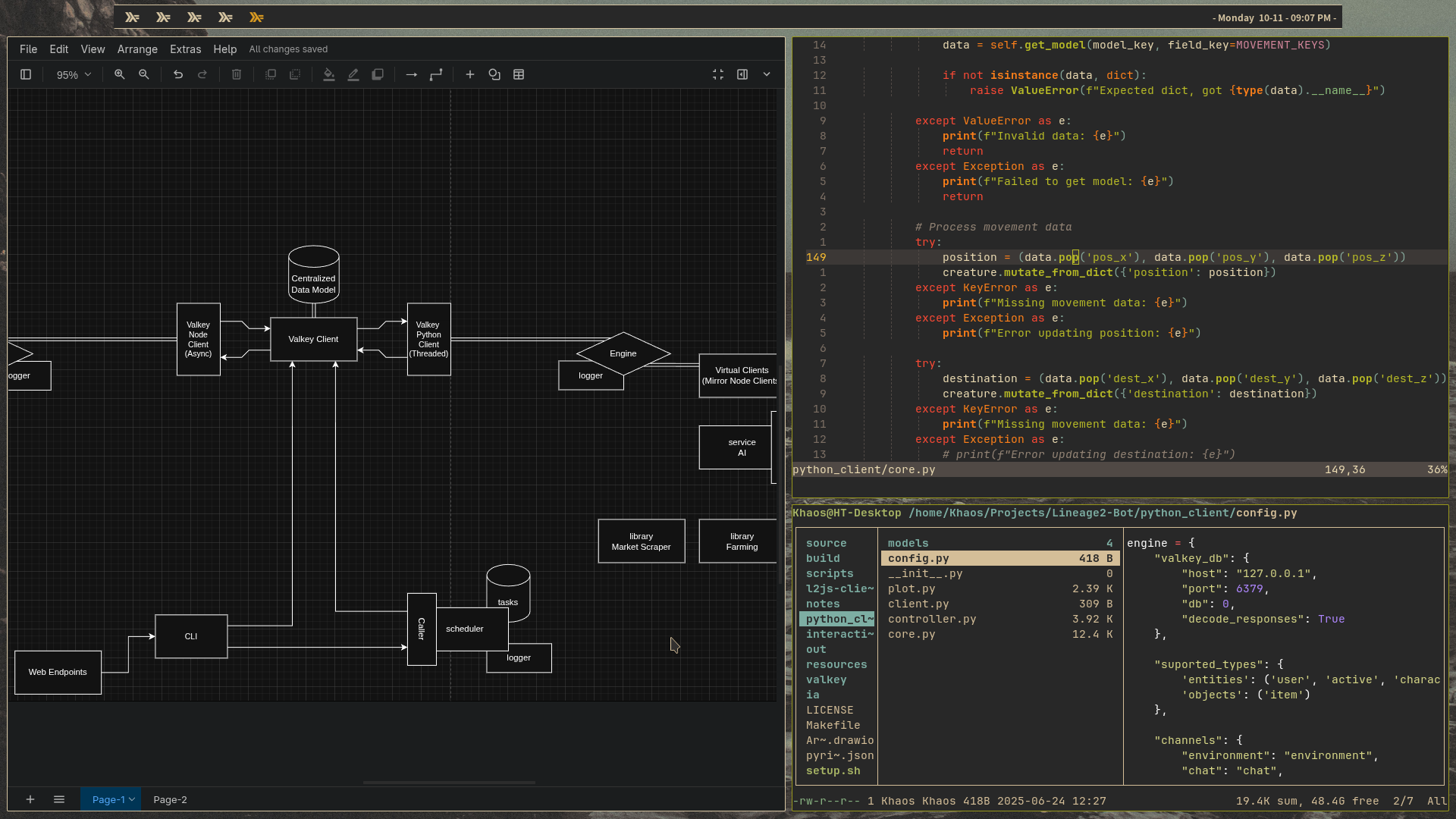
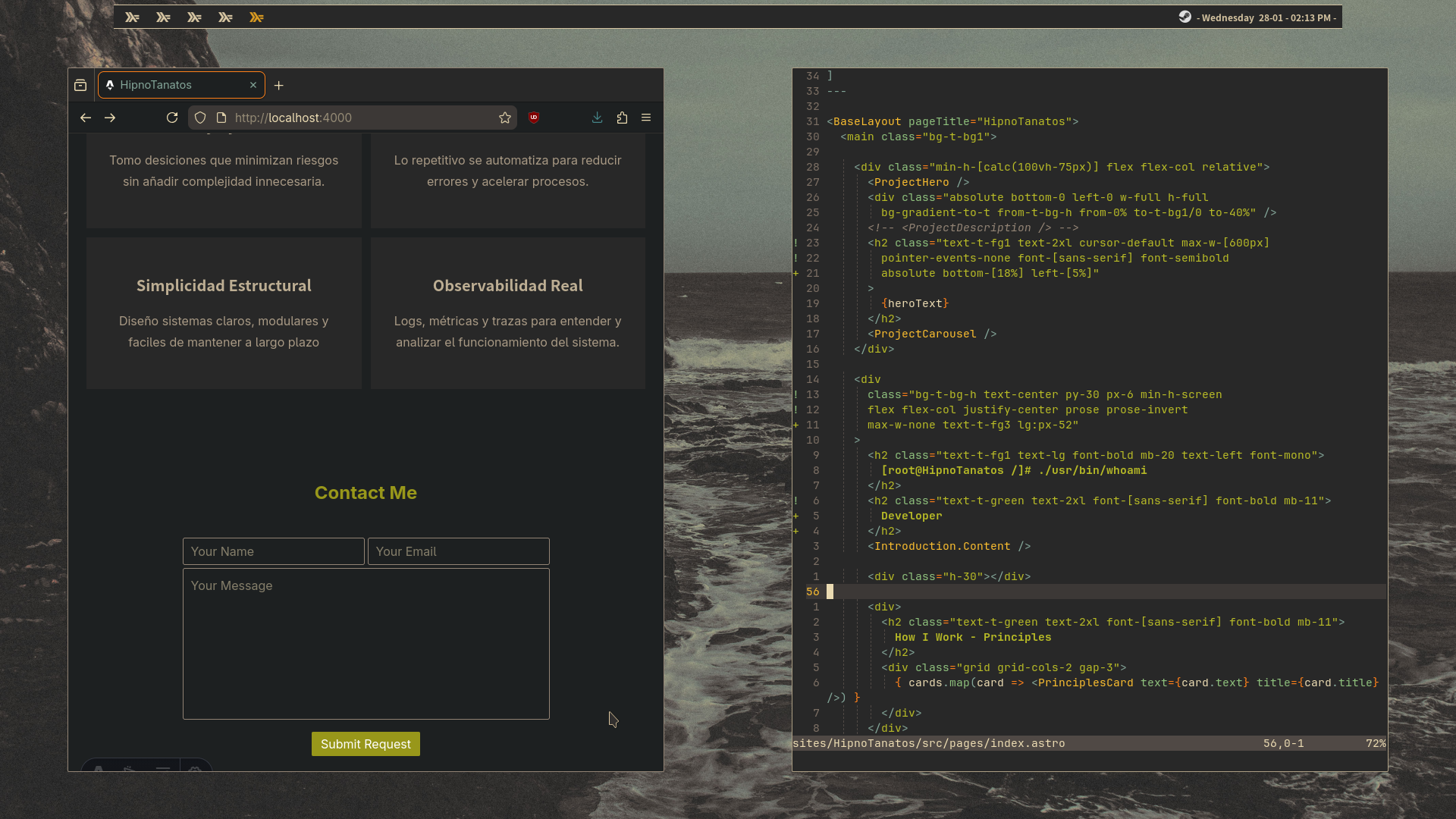
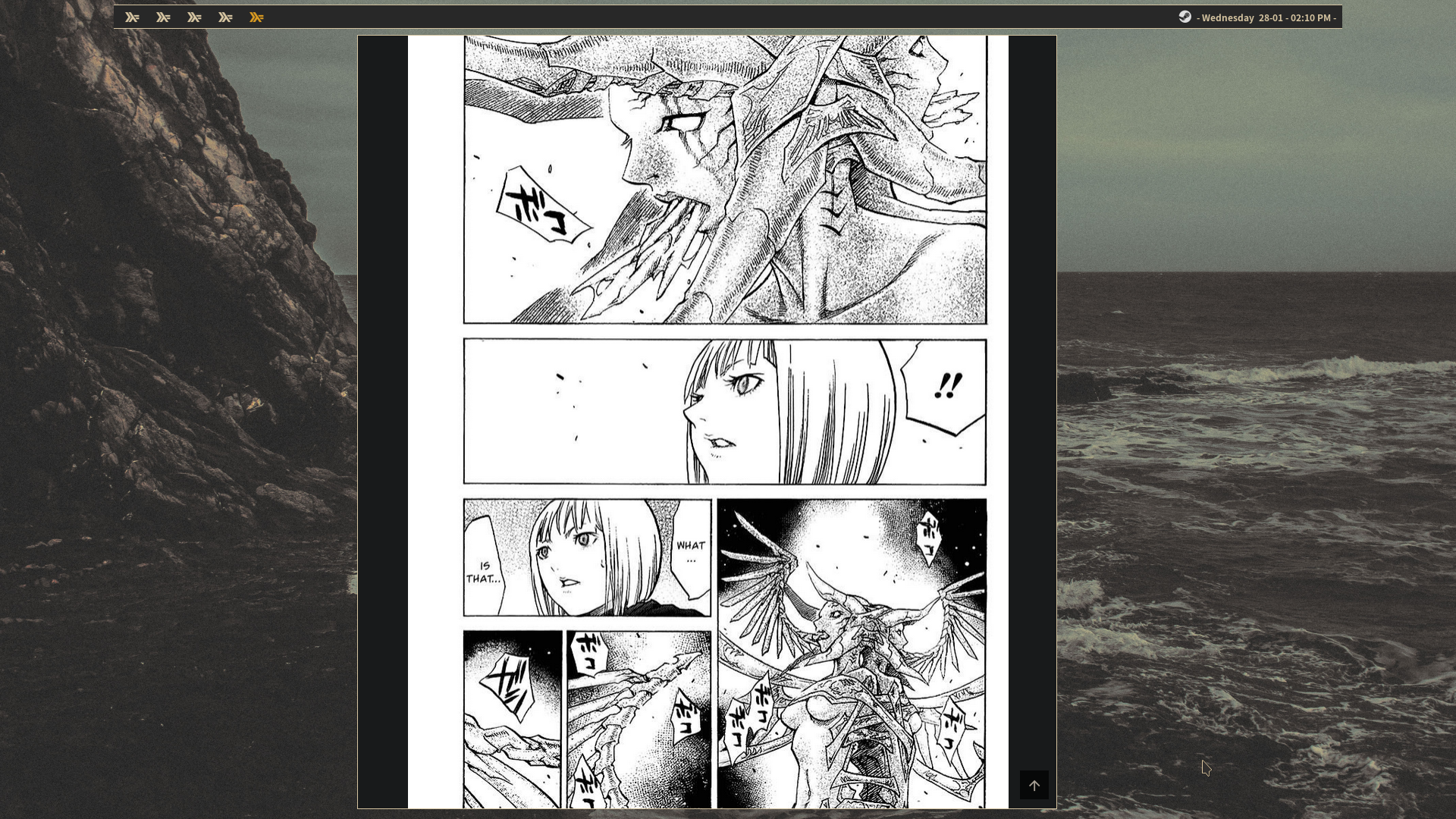
My personal configuration and scripts for my work environment.
These dotfiles define a minimalist, fast and highly scriptable system used daily.
[!warning] This documentation is heavily under construction. Structure may change a lot, and some pages may have little/no content yet.
Philosophy
The project does not aim to be a universal guide nor an automatic system setup.
It is a curated collection of configurations and scripts that i use to develop, study, create and administrate different systems.
The system is maded taken in mind what i consider most valuable such as:
Minimalism: both visually and structurally, minimalism keep the system easy to manage and understand
Control: there are not automagically behaviors, every is explicit defined by the user
Aesthetics: no overcharged interfaces, no unnecesary or redundant information on screen, important things are easy to find and immediately visible
Performance: no unnecesary services running, no telemetry, and of course no AI slop nor Electron anywhere in the system
Scope
This project is not:
- a one-click installer
- a distribution replacement
- a generic Linux guide
It is:
- a documented personal environment
- a modular set of configurations and scripts
- a reproducible, workflow-oriented system
What’s inside
- General user-wide system configuration
- Custom scripts for system and project management
- A minimal yet powerfull and nice-looking visual configuration
Components
I chose Xorg as the display server for compatibility and the ability to fine-tune configurations.
PipeWire unifies audio and video, which is especially useful for streaming or virtual cameras over a local network.
Qtile was chosen as the window manager for its high flexibility and scripting capabilities; exploring tiled windows has been an interesting experience, probably a one-way trip at this point.
Picom is very lightweight on resources and flexible to configure, without sacrificing compatibility or visually appealing effects.
I use Alacritty as my terminal emulator is extremely fast and efficient.
Tmux is almost indispensable with this terminal, especially for long sessions or complex projects, as it integrates really well.
For the greeter, I chose SDDM just to test QML for now, but honestly, any greeter would do the job.
And of course, I chose Arch Linux for its simplicity, minimalism, and full control over the system. btw.
All components were hand-picked to keep the setup minimal while allowing maximum granular configuration.
How the system is meant to be used
Detailed navigation, keybindings and workflows are documented in their respective sections.
-
Keyboard First:
The system is designed to be used entirely from the keyboard.
Mouse is supported but the full advantage comes from carefoully designed keybindings, shortcuts and key-chords. There are exceptions, like mouse-only websites or design software used with drawing tablets. -
Multi-monitor aware:
The system is designed with a dual-monitor setup in mind, making it easy to navigate, place and manipulate windows across tiled layouts and screens. -
Muscle-memory driven:
The goal is to internalize spatial positions and navigate navigate seamless without searching for the windows.
Navigation relies heavily on vim-like motions. -
Modal navigation philosophy:
Navigation is divided into three layers: desktop-level, layout-level and application-specific navigation.
Use Cases
-
Development & Engineering:
The system is designed primary for software development: backend services, scripting, reverse engineering and system-level tooling.
Terminal-centric workflows, tmux sessions and tiled layouts allow working on multiple codebases, logs and documentation simultaneosly without context switching. -
System Administration & Infrastructure:
Daily administration tasks such as managing servers, containers, databases and network tools are handled through custom scripts and CLI utilities, keeping the system transparent and predictable. -
Knowledge Managment & Research:
The environment is optimized for long reading and research sessions, combining tiling layouts, document viewers and note-taking tools with minimal visual noise. -
Creative Work:
The system supports creative worflows such as digital painting, vector graphics and 3D work. The visual layer stays out of the way, allowing creative software to take full control when needed. -
Media & Leisure:
The same system, as a daily powerhouse, is used for media consumption, gaming and casual use, without switching environment or profiles. The goal is consistency: the system adapts to the task, not the other way around.
Installation
Simply clone this repo in your home directory for a complete installation, or manually copy the different modules that compose the repo into your .config/ directory
git clone git@github.com:HipnoTanatos/dotfiles.git ~/The active usage branch is home.
The master branch is for the repository showcase.
Roadmap
This project evolves organically based on daily usage. Planned impovements include:
- improve screen record system
- add lutris layer to gaming section